
How to Search for a Richmond City Warrant
Use Virginia's Online Case Information System (OCIS) to look for public Richmond City court information. Its search covers General District criminal and traffic cases, adult criminal information in J&DR, and selected Circuit cases. Search by name, case number, or hearing date, then call the clerk for the issuing court to ask whether a warrant, capias, or show-cause process is current.
Use the name as it appears on a summons or court paper. A case number and hearing date can help separate people with similar names. The Sheriff does not publish a full public active-warrant roster, and no single statewide public warrant search exists. For an unresolved result, the next step is a court confirmation, not a guess from a third-party list.
- Open OCIS and acknowledge any notice before entering a search.
- Search by the document name, case number, or hearing date.
- Select Richmond City and the relevant court level; Richmond has no municipal-court or JP layer.
- Read the case detail, then call the issuing clerk or Magistrate to confirm current process.
- For a City-held record not online, make a specific FOIA request; seek counsel about legal steps.
Richmond City OCIS Name and Case Search
OCIS defaults to a name search across available courts. Each part of a partial name must have at least two characters. Special characters may be removed or treated as spaces, so spelling and name order from the original court document can matter. A disclaimer may need acknowledgment before the search begins.
The official OCIS search help explains the controls and result fields. Its sample case numbers are format examples only, not Richmond City records.
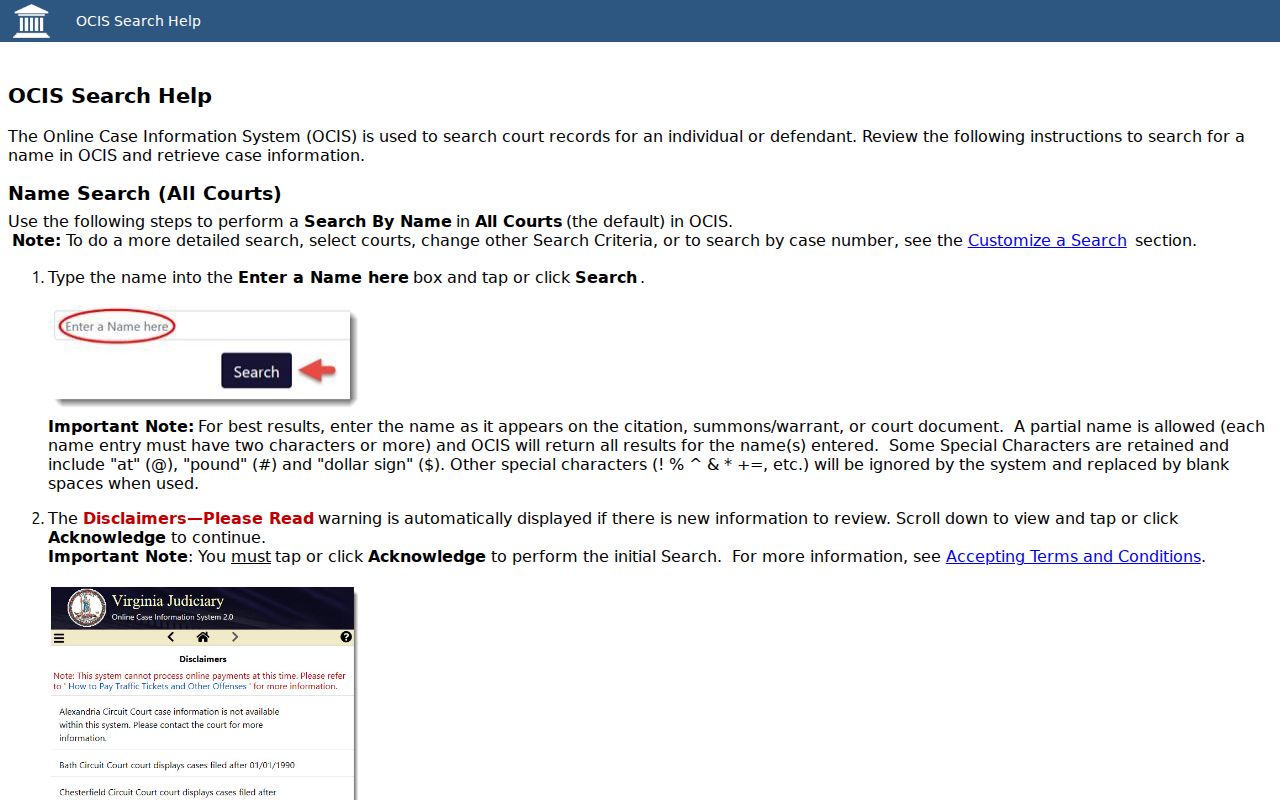
The help screen supports a repeatable search while keeping the result in its proper role as public case information.
Richmond City Warrant Search Fields
OCIS separates the search method from court filters. The main controls let you select a name, case number, or hearing date. Choose Richmond City and the right court level before using a case number; the case-number search requires one court selection.
| Field Label | Type | Required | Notes |
|---|---|---|---|
| Search By | Choice control | Yes | Name, case number, or hearing date. |
| Name | Text | For name search | Partial entries allowed; each name part needs two or more characters. |
| Court Level | Filter | Optional | Circuit, General District, J&DR, or all levels. |
| Court | Multi-select | Required for case number | Choose Richmond City and one court for a case-number search. |
| Case Number | Text | For case-number search | Use the format printed on the court paper. |
| Hearing Date | Date/calendar | For date search | Enter MM/DD/YYYY; time is optional. |
| Advanced Search | GDC filters | Optional | Hearing type, courtroom, complainant name, or unit number. |
Filter a Richmond City Warrant Search by Court
A common name can return more than one Richmond City file. Limit the court level and locality, then compare case number, offense date, and hearing date with the record you hold. For a case-number search, OCIS permits only one selected court; choosing “all courts” is not a substitute for that filter.
Richmond has separate Circuit, General District, and J&DR court records, but no separate municipal court or JP precinct. Adult traffic, misdemeanor, and city-code cases sit in General District Court. Felony matters belong in Circuit Court. The court selection tells you which clerk should confirm the case.
The Virginia General District Court search also requires a court choice before a local case search.
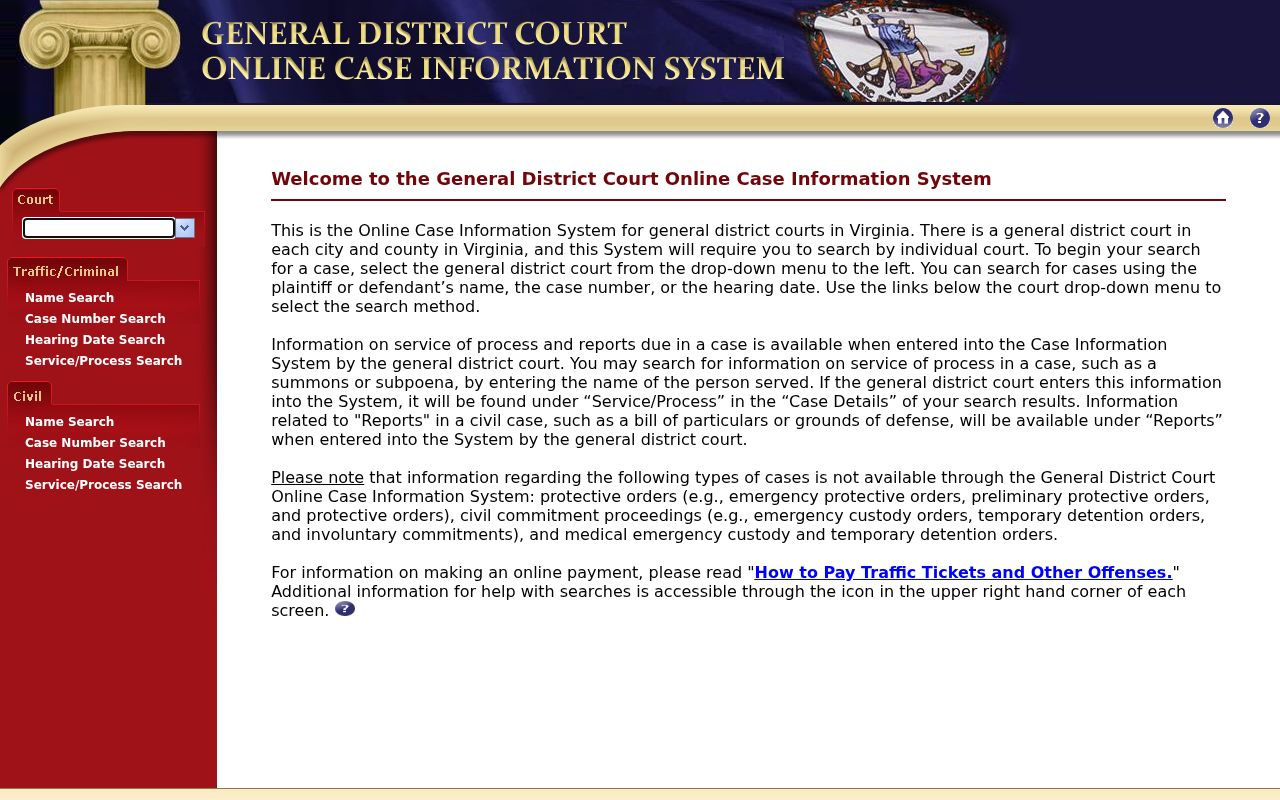
Select the actual Richmond court listed on the summons when the record is a General District case.
What a Richmond City Warrant Search Returns
A result is a case entry, not a Richmond City warrant certificate. OCIS can display the court, case number, defendant, offense date, hearing date, charge, and Code Section. Case Details may add charge, appeal, hearing, disposition, and service-of-process sections. The case-number example below is from official help and is not a real person's file.
| Case number | CR12345678-90 is an OCIS format example, not a Richmond case. |
|---|---|
| Charge | The offense text and linked Code Section where available. |
| Court | The selected Richmond City court and case level. |
| Hearing | Scheduled date, with time or courtroom details when entered. |
| Disposition | The recorded case outcome; a pending case may still need court action. |
| Service | Process information may appear, but it is not a live warrant-status promise. |
Richmond City Case Data Is Not Active-Warrant Status
OCIS states that it provides limited case information and is not a substitute for the official court record. It does not promise a live active-warrant field or a complete public roster. A visible case does not prove that an arrest warrant is still open, while a blank search does not prove that no process exists.
Review the hearing and service details, then ask the clerk to confirm whether a warrant, capias, or other order is current. If court action has occurred, ask whether the process was recalled, quashed, served, returned, or otherwise disposed. Each term describes a different record event.
For broader context on Richmond City’s court and Sheriff channels, see the active-warrant overview.
Where Richmond City Warrants Are Checked
Use the clerk that keeps the case: Richmond General District Court criminal and traffic at John Marshall is (804) 646-6431; Marsh Manchester is (804) 646-6677; Circuit Clerk criminal records is (804) 646-6505; and J&DR is (804) 646-2942. Richmond Magistrate Services at (804) 646-6689 handles probable-cause and initial-bail questions.
The Sheriff’s Office at (804) 646-4464 handles custody and intake questions; its Records Department is (804) 646-0204. Virginia’s restricted VCIN network is for authorized justice agencies, not a public self-search. VINE reports custody status, not warrant status.
The Virginia judiciary’s court-system overview describes the separate roles in this route.
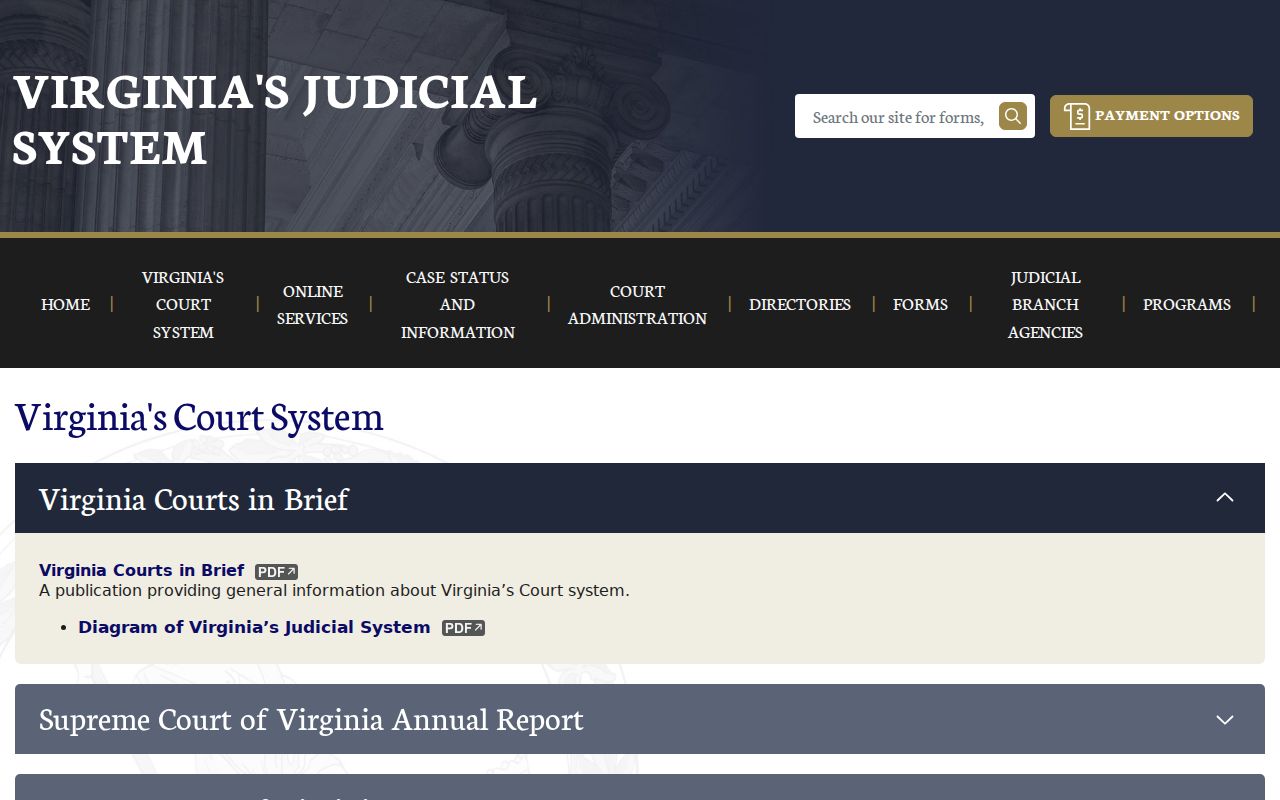
Match the court level to the case before calling an office for confirmation.
Richmond City Warrant Access for J&DR Cases
J&DR covers juvenile, family, support, and domestic-relations matters. Its online case view does not show complainant names or service-of-process information, and juvenile law-enforcement records have statutory limits. A missing public detail can reflect that boundary rather than a lack of court action.
Contact the Richmond J&DR clerk directly for a case-specific procedure. The court is at Oliver Hill Courts Building, 1600 Oliver Hill Way, Suite C181, and its public number is (804) 646-2942. Do not assume an adult General District result or Sheriff page contains a protected J&DR record.
See the official Richmond J&DR Court page for current court information.
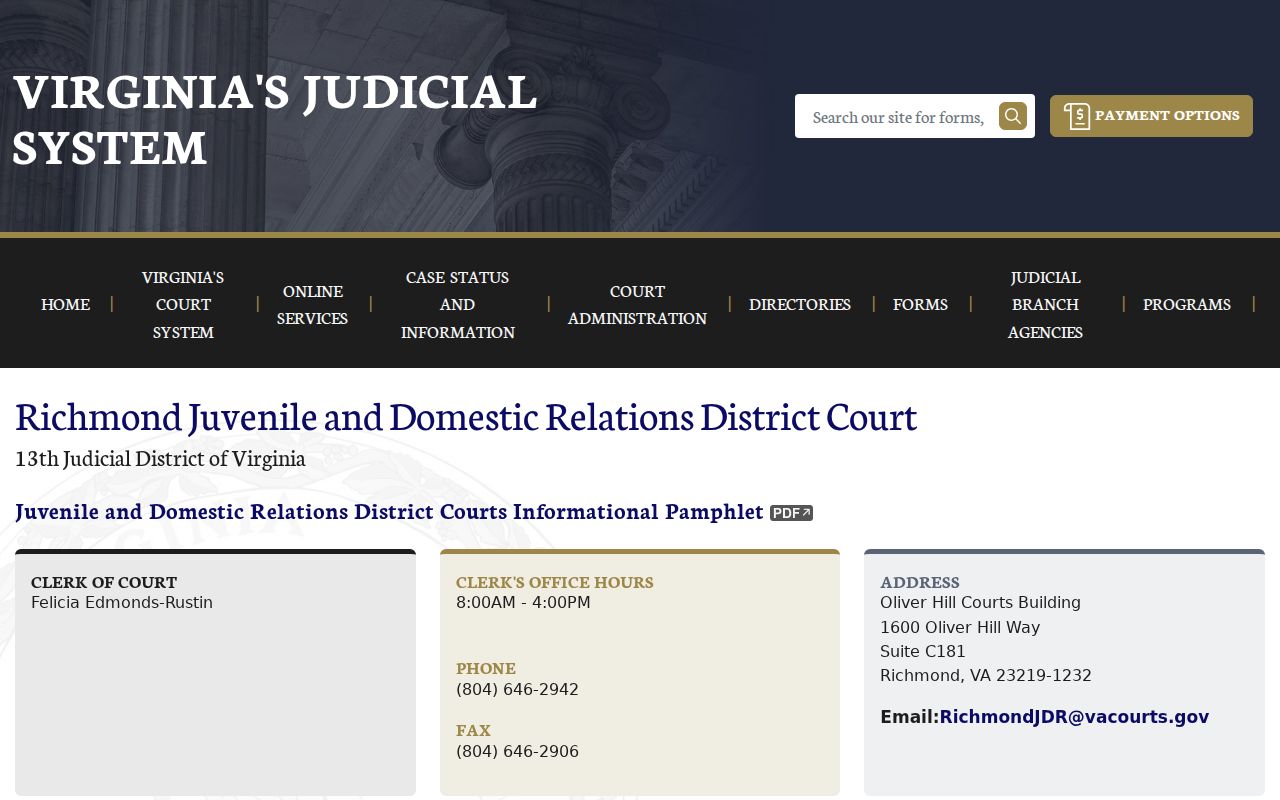
The court contact is the safer route when public case information is restricted.
Access and Restricted Warrants in Richmond City
Virginia FOIA covers existing public records, but exemptions, sealing rules, and juvenile confidentiality limit some files. The City may redact a record or direct a request to the custodian. For RPD records, use its FOIA contact; for court case status, begin with the court clerk rather than a general City request.
Key Rules:
Va. Code § 17.1-293.1 removes sealed offenses from public online case viewing.
Va. Code § 16.1-301 limits public inspection of juvenile law-enforcement records.
OCIS is limited case information; confirm current process with the issuing Richmond City clerk.
Richmond City FOIA Requests Need Existing Records
City FOIA requests may be sent through the online JustFOIA portal, by mail, fax, email, in person, or by phone. The City normally responds within five work days and may use a written seven-work-day extension when needed. Actual search, copying, or delivery costs may apply; request an estimate before work begins.
Ask for a record the office already holds, such as a case document, warrant return, or policy. FOIA does not require the City to build a new warrant search or answer a legal question. For an RPD-held record, contact RPDFOIA@rva.gov or (804) 646-5147.
The City of Richmond FOIA page describes the request methods and links to the submission route.
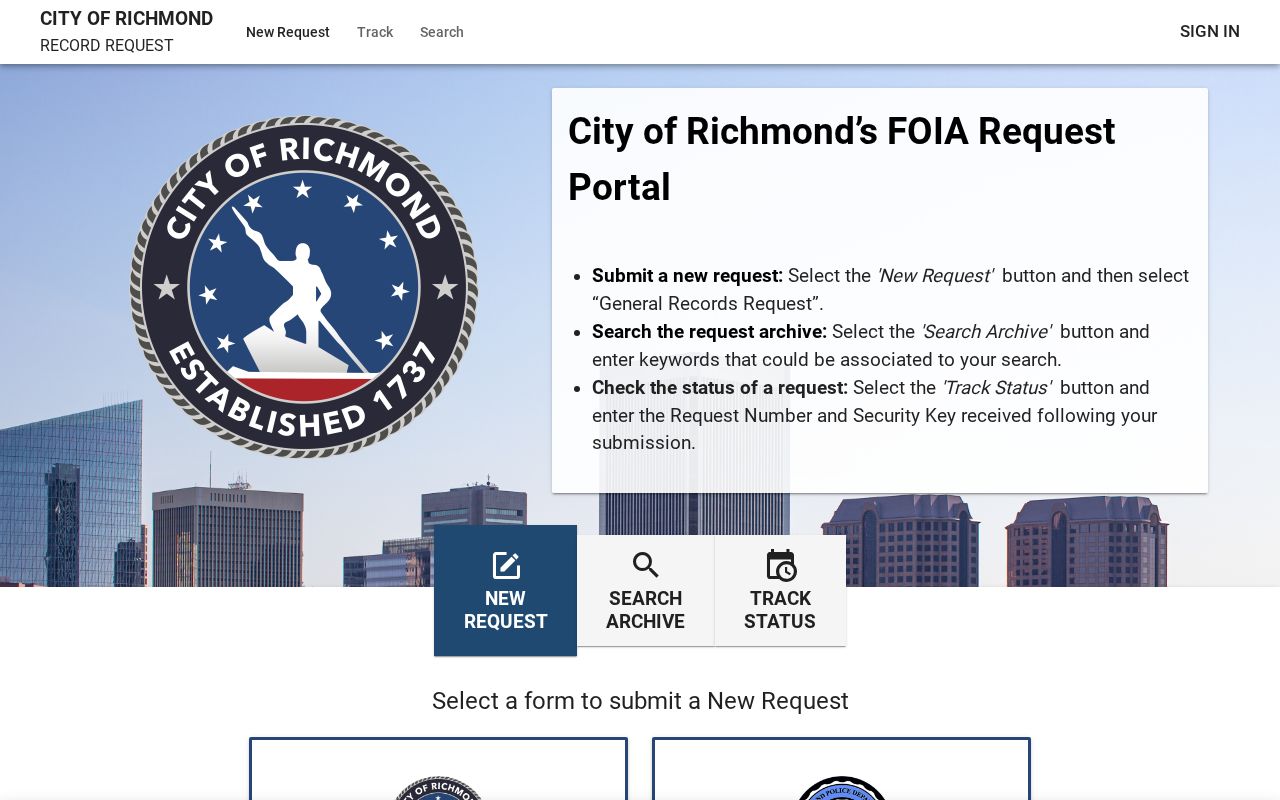
Use the official JustFOIA request portal to submit an existing-record request.
A focused request helps the record custodian find an existing Richmond City document.